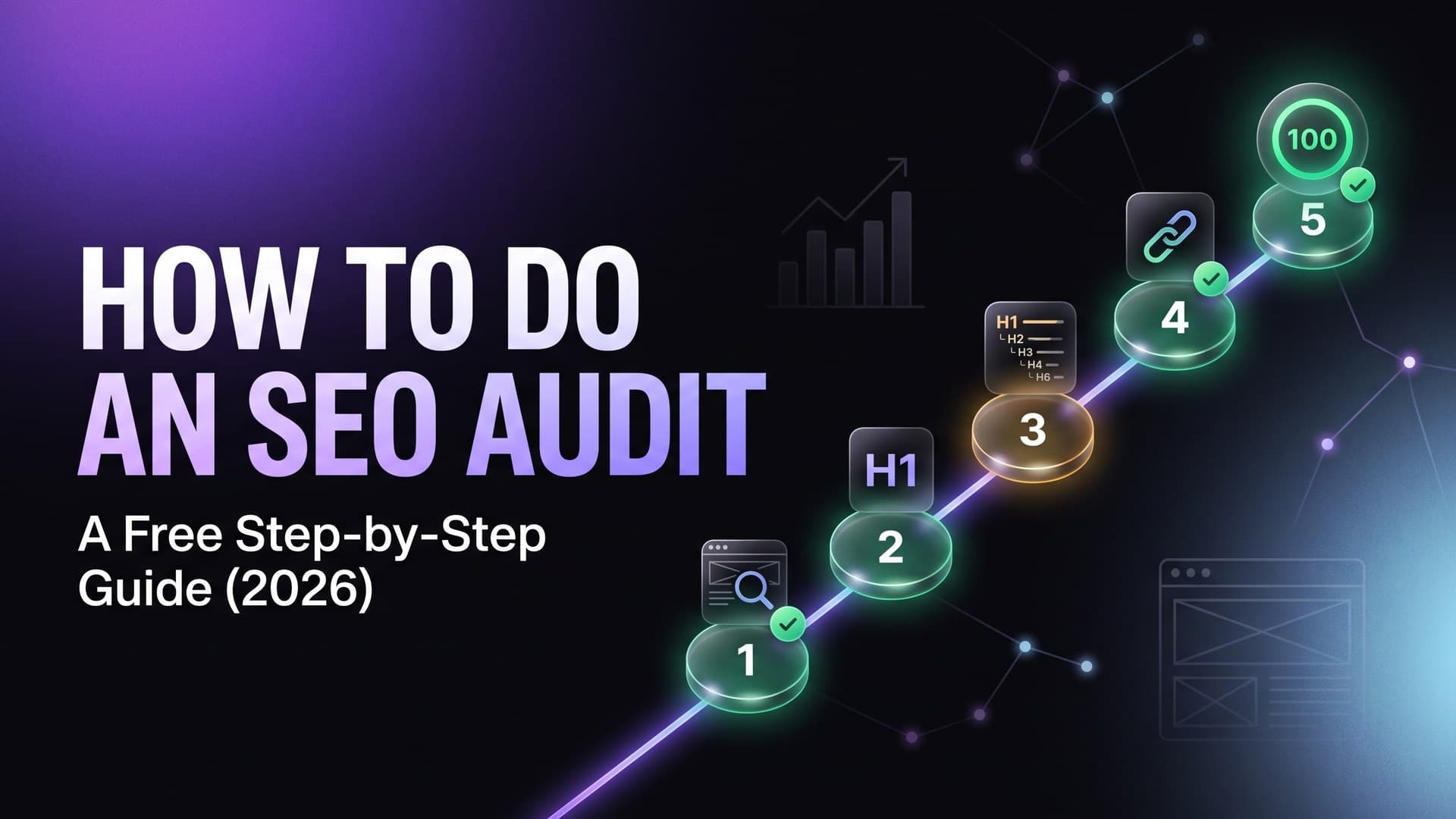
How to Do an SEO Audit in 2026 (Free Step-by-Step Guide)
A complete SEO audit covers technical SEO, on-page signals, Core Web Vitals, security, and compliance. This guide walks you through every step — with a free SEO audit tool that does most of the work for you in 30 seconds.
Run a free SEO audit first
Get your baseline SEO score, issues list, and AI fixes in 30 seconds — no login required.
An SEO audit is a systematic check of every factor that affects your website's search engine rankings. Done properly, it identifies exactly why pages aren't ranking and what to fix first. Most websites have 15–40 fixable SEO issues — many of which take under 5 minutes to resolve once you know about them.
In 2026, a complete SEO audit also includes Core Web Vitals, security headers, and GDPR compliance — because Google's Page Experience signal now factors in site health beyond just content. AuditAI is a free SEO audit tool that covers all of these in a single scan with no login required.
SEO Audit Checklist: 8 Steps
Total time: ~90 minutes for a thorough audit. Step 1 (automated scan) covers most of it in 2 minutes.
Run a Free Automated Website Audit
⏱ 2 minutes
Before manually checking anything, run an automated SEO audit tool to get a baseline. A good free SEO audit tool will surface 80% of your critical issues instantly. Go to auditai.fyi, paste your URL, and scan — no login required. You'll get an SEO score, security score, Core Web Vitals result, and compliance status in under 30 seconds.
Audit Your Title Tags & Meta Descriptions
⏱ 15 minutes
Title tags and meta descriptions are the most directly impactful on-page SEO elements. An SEO checker will flag which pages are missing them, duplicated, or too long/short.
Check Heading Structure (H1–H6)
⏱ 10 minutes
Every page should have exactly one H1 that matches the page's primary topic. Subheadings (H2–H6) should follow a logical hierarchy. Google uses heading structure to understand your content hierarchy and keyword relevance.
Audit Canonical URLs
⏱ 10 minutes
Canonical tags tell Google which URL is the 'master' version when multiple URLs serve similar content. Missing or incorrect canonicals cause duplicate content issues that split your ranking authority.
Check Core Web Vitals (LCP, CLS, INP)
⏱ 20 minutes
Google's Core Web Vitals are a direct ranking signal. Use a free Core Web Vitals checker to see your LCP score, CLS score, and INP score. Failing metrics need fixing before they drag down your rankings.
Audit Security Headers
⏱ 5 minutes
Security headers don't directly affect rankings, but Google has confirmed HTTPS and page experience are ranking factors. Missing security headers like HSTS and CSP also signal a poorly-maintained site. A security headers checker will flag which are missing.
Check Structured Data (JSON-LD)
⏱ 15 minutes
Structured data (schema markup) makes your pages eligible for rich results in Google Search — star ratings, FAQs, breadcrumbs, recipes. Pages with rich results get significantly higher click-through rates.
Check Internal Linking & Crawlability
⏱ 20 minutes
Search engines discover and rank pages through internal links. Orphan pages (pages with no internal links pointing to them) often don't rank because Google rarely finds them.
The Fastest Way to Do an SEO Audit: Use a Free Tool
Manually checking all 8 steps above takes time. The fastest approach is to use a free SEO audit tool for the automated checks (steps 1–6), then do the manual checks (7–8) only after reviewing the tool's findings.
AuditAI is a free website audit tool that checks 50+ SEO signals, 13 security headers, Core Web Vitals (LCP, CLS, INP), and GDPR/CCPA compliance — all in one scan with no signup required. It's one of the only free SEO audit tools that combines all four audit types in a single report.
How Often Should You Run an SEO Audit?
Frequently Asked Questions
How long does a full SEO audit take?+
What's the first step in an SEO audit?+
How often should you run an SEO audit?+
Do Core Web Vitals matter for an SEO audit?+
Start Your Free SEO Audit Now
AuditAI is a free SEO audit tool that checks your website SEO score, security headers, Core Web Vitals, and GDPR/CCPA compliance in one scan. No login, no signup — results in under 30 seconds with AI-generated fixes.
Run Free SEO Audit →